
Add to collection
Here, we'll show you how to create a new collection, add videos, and save your content for future session plans.
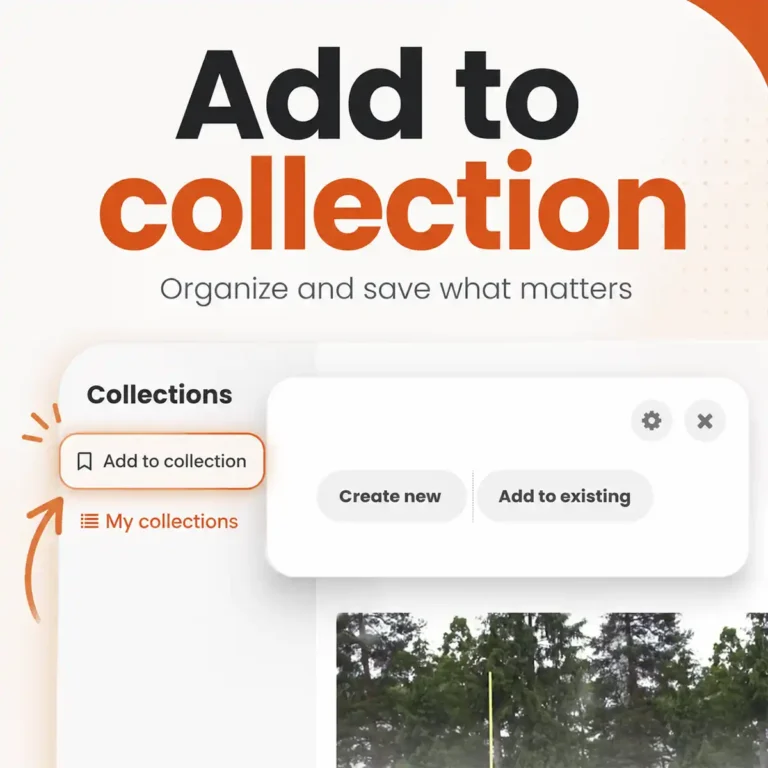
Add to Collection
Here, we'll show you how to create a new collection, add videos, and save your content for future session plans.
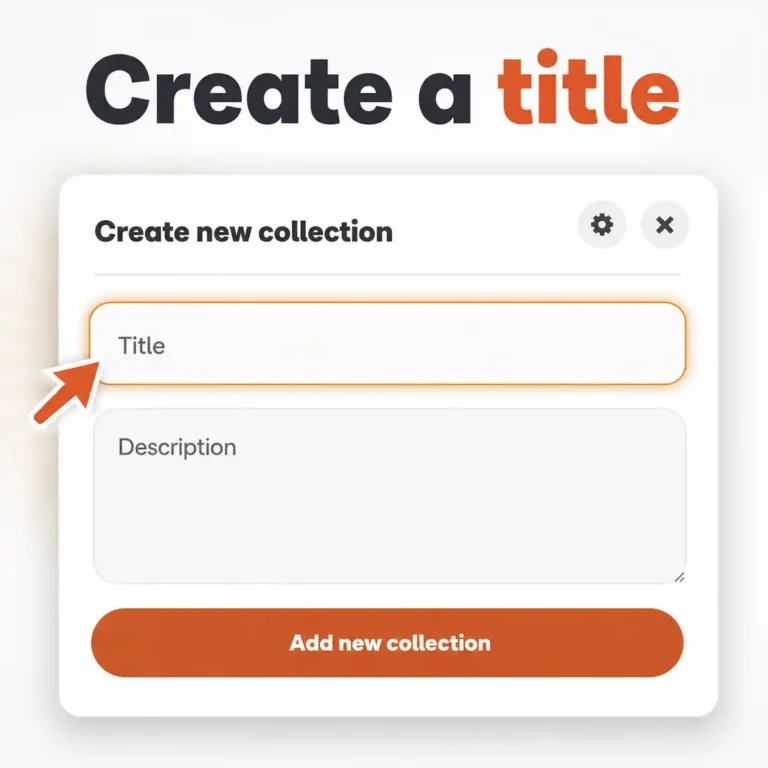
Create a title
Give your new collection a suitable name in the “Title” field.
This will create the collection and make it easier for you to find it later in your collection overview.
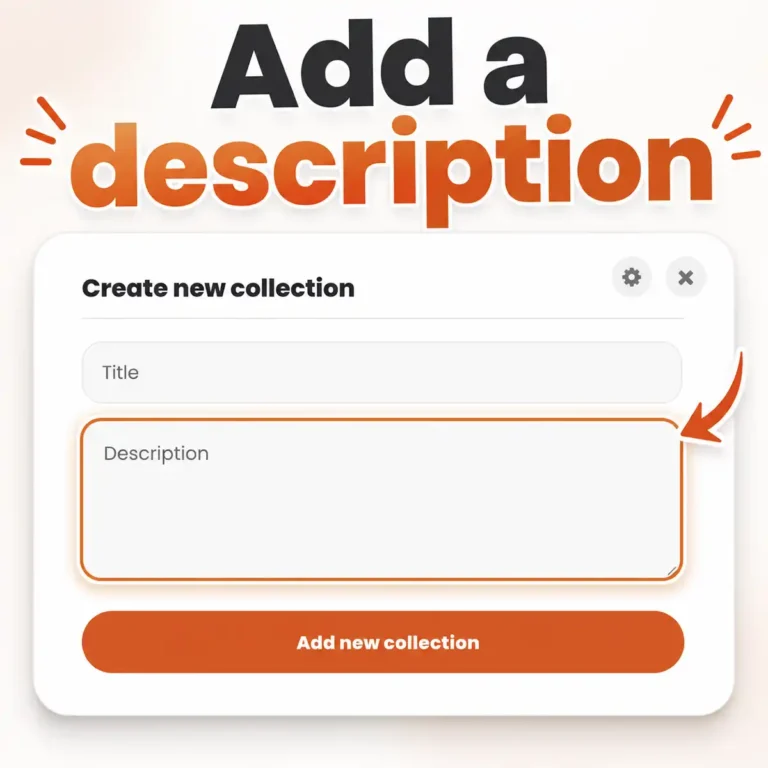
Describe the collection
Next, add a description to your collection.
Use this field to include relevant information.
Structuring Session Plans
Now you can create your own sections within your collection. Each section can be named and described individually.

Add a section
Add custom sections to your collection and organize your content clearly.

Name the section
Give your section a suitable name. This will help you organize your collection clearly and find it more quickly later on.

Enter details
You can also add additional details, such as information about the content, the focus, or the organization of this section.
Organizing Content
Easily move videos and sections to reorganize your collection.

Sort videos
Simply drag your videos to the desired location and drop them there. This allows you to clearly structure the flow of your session plan and reorganize your collection at any time.

Move sections
Use the up and down arrows to move entire sections. This lets you change the order of your collection and flexibly adjust the structure of your workout.

Save changes
Remember to save your changes so that the new order of your videos and sections is applied.
Other Important Features
Discover more convenient features that make the collection tool even more versatile. A clear added value for your daily coaching routine!

Share Collections
You can make your collection available to other coaches (members) and share it with them!

New dashboard
The entire collection overview (dashboard) has been updated and is now the hub for your collections.

Sort collections
You can easily move and reorder your collections using drag-and-drop.

Duplicate collections
You can copy existing collections with a single click and then customize them.